
Category: Pacer Features (Android)
-
New Feature: See Your Activities at a Glance With Widgets
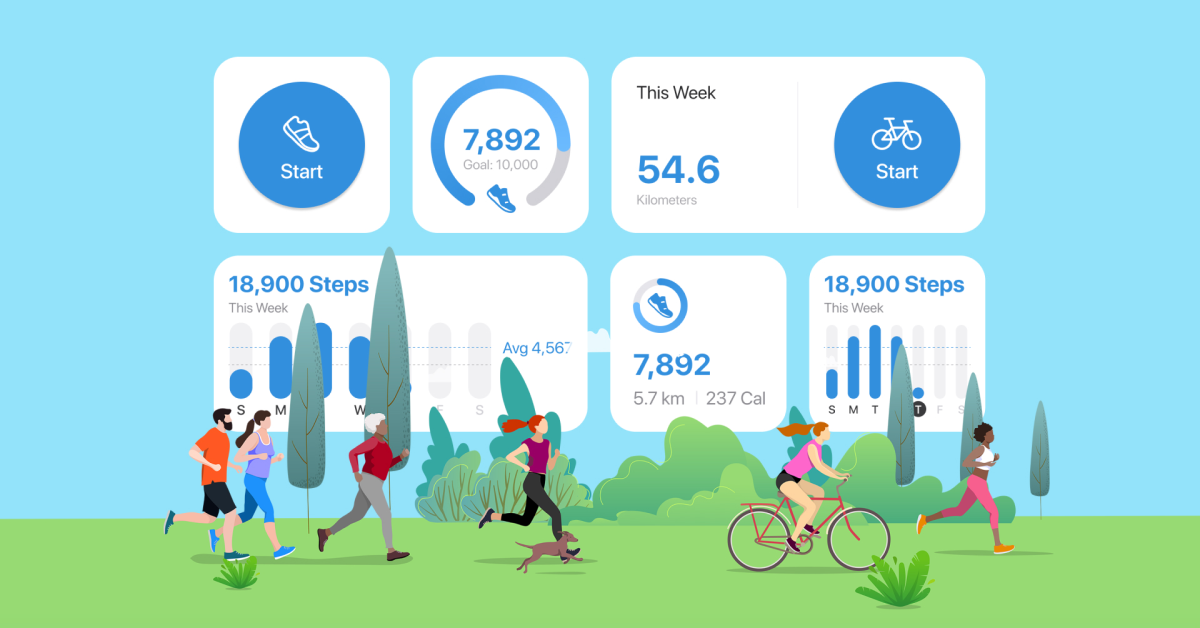
Want to stay updated with your daily steps and other activity stats? Pacer’s latest update introduces new activity widgets for your home screen (iOS14+ & Android) and lock screen (iOS16+). You don’t have to pick up your phone and open up the app to check your steps. Pacer’s widgets make hitting your daily step goal…
-

Pacer for Teams 2021 Year in Review
Happy New Year and best wishes in 2022 from the Pacer for Teams (P4T) Support Team! We wish you, your colleagues, friends, and family members a safe and healthy year ahead. It’s safe to say that 2021 was the year of the virtual challenge. Continued lockdowns and work-from-home required tools to keep people engaged and…
-
Changes to Pacer’s Global Challenges in 2021
We’ve been listening to a lot of user feedback about our global challenges lately. We’ve been grateful to hear how important our challenges are to many of you in the community, but you’ve also told us there is a lot that should be improved. Therefore, we’re taking the new year as an opportunity to make…
-

Virtual Adventure Challenges series is here!
We’re so glad to announce that with the latest release of Pacer for iOS and Android, we’ve officially added an exciting series of virtual challenges to our platform: Pacer Adventure Challenges! What is the Pacer Adventure Challenge Series? Pacer’s Adventure Challenge Series is collection of curated virtual challenges that motivates participants to achieve their fitness…
-

Manually add steps and add/delete activities in Pacer – a guide for iOS and Android
Did you know that you can manually add steps (and calories, distance and time walked) into Pacer? It’s also easy to delete manually added steps as well. Here’s how.
-

Pacer Walking Challenges Update: New Tiebreaker & Post Rules
We’ve updated the tiebreaker system and post feed for our Pacer challenges to make Challenges more fun and fair. Check out the changes, as well as important notes for challenges.
-

Update battery settings + stop Pacer from shutting down in Android 9 – a photo guide
Here’s how to update your Android phone’s power-saving settings so that Pacer doesn’t get shut down in the background. Android 9 users especially will need to change their battery settings to ensure Pacer works properly in the background.
-

Pacer’s new Android home page + new features – a photo guide
We’ve made some dramatic improvements to Pacer for Android. Easily jump to your favorite functions like GPS or workouts, or log weight or activities. We’ve also added additional GPS modes for your favorite activities.
-

Turn Pacer App notifications on or off – a guide for iOS and Android
It’s easy to change or turn off Pacer notifications. Choose the notifications that motivate you to walk more while turning off those that you don’t need right now.
-

Update your height, weight, profile pic and more: A guide for iOS and Android!
Update your height, weight, Pacer nickname, or Pacer profile information in 3 clicks! You can also adjust your profile photo and more. Here’s how!